 English
 Italian
 Spanish
 German
 French
 Portuguese
 Indonesian
 Hindi
Hindi Bengali
 Russian
 Ukrainian
 Turkish
 Arabic




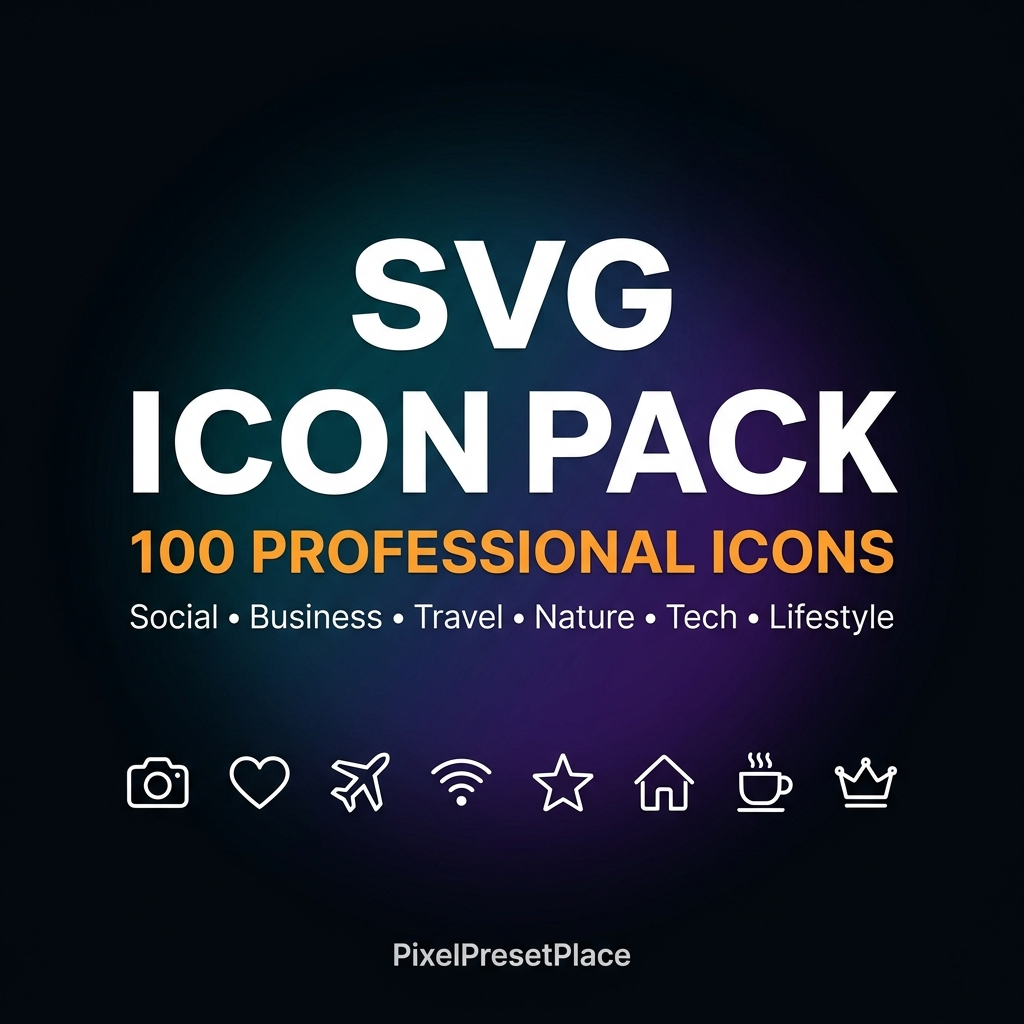
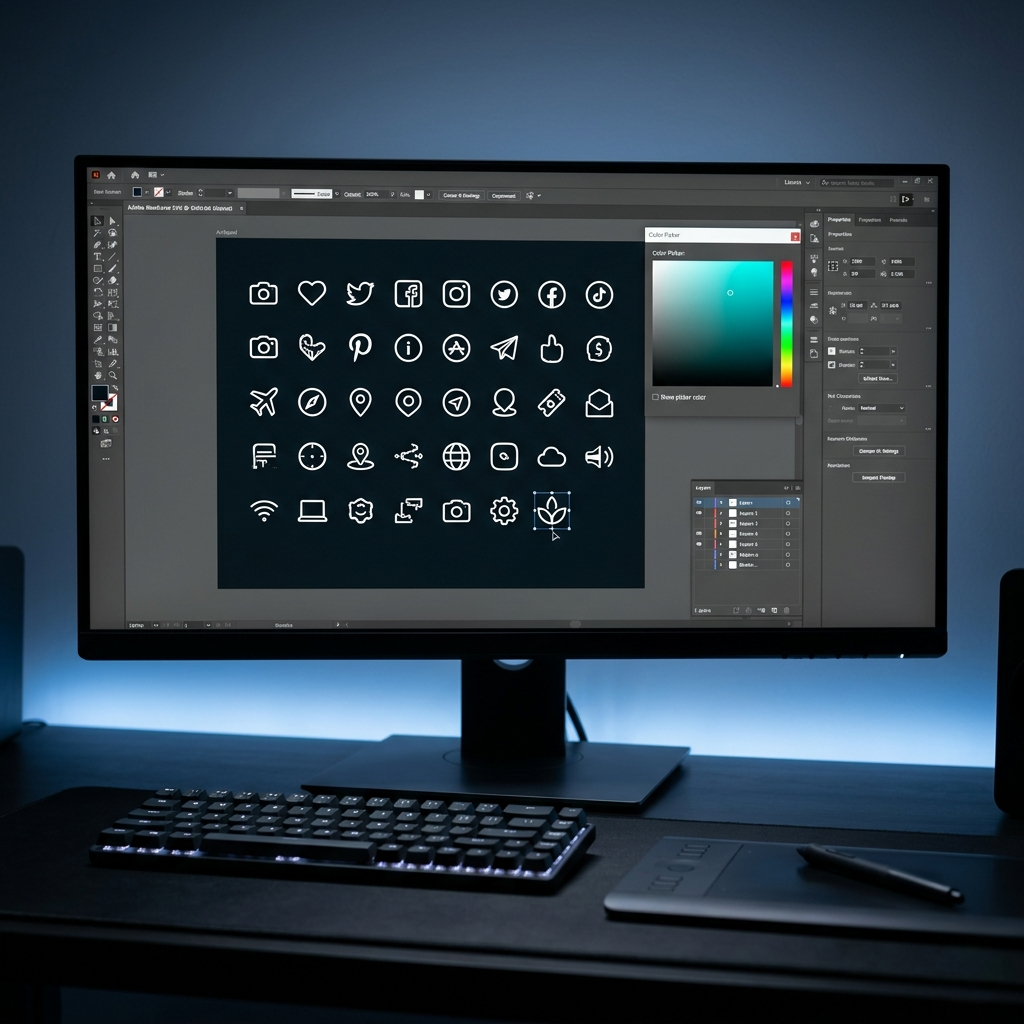
⚡ 100 PROFESSIONAL SVG ICONS — THE ULTIMATE VECTOR BUNDLE
Get 100 clean, minimal, fully scalable SVG icons organized in
10 categories. Perfect for designers, content creators, Cricut
crafters, web developers and social media managers.
———————————————————————————
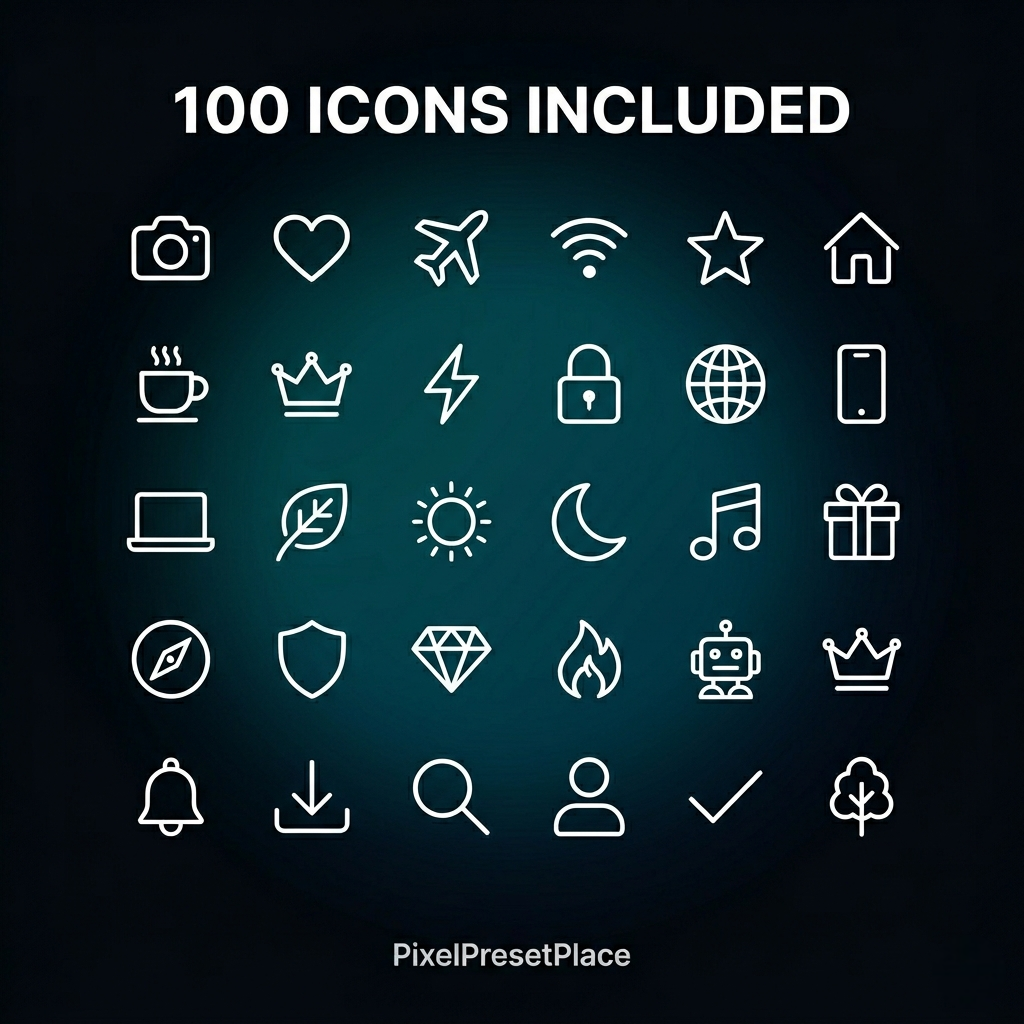
✅ WHAT'S INCLUDED (100 SVG Icons)
———————————————————————————
🟣 SOCIAL MEDIA (10 icons)
→ Instagram, YouTube, TikTok, Twitter/X, Facebook,
LinkedIn, Pinterest, WhatsApp, Snapchat, Telegram
📷 PHOTOGRAPHY (10 icons)
→ Camera, Lens, Aperture, Tripod, Flash, SD Card,
Film Roll, Eye, Lightbulb, Mountain
💼 BUSINESS (10 icons)
→ Bar Chart, Pie Chart, Dollar, Briefcase, Calendar,
Clock, Email, Star, Target, Shield
🖱️ ARROWS & UI (10 icons)
→ Arrow Right, Arrow Up, Refresh, Home, Search,
Settings, Menu, Close, Download, Share
🌿 NATURE (10 icons)
→ Sun, Moon, Cloud, Rain, Leaf, Fire, Wave,
Tree, Flower, Snowflake
💻 TECH (10 icons)
→ Laptop, Phone, WiFi, Headphones, Battery, CPU,
Monitor, Gamepad, Code, Robot
❤️ LIFESTYLE (10 icons)
→ Heart, Coffee, Music, Book, Gift, Paint Brush,
Scissors, Pen, Crown, Diamond
✈️ TRAVEL (10 icons)
→ Plane, Car, Compass, Map, Map Pin, Luggage,
Globe, Anchor, Bike, Hotel
🍕 FOOD & SHAPES (10 icons)
→ Pizza, Apple, Burger, Hexagon, Diamond Shape,
Triangle, Cross, Infinity, Spiral, Double Wave
🔔 MISC (10 icons)
→ Bell, Lock, Flag, Lightning, Tag, Puzzle,
Recycle, Magnify+, User, Checkmark
———————————————————————————
🖥️ COMPATIBLE WITH
———————————————————————————
✓ Adobe Illustrator (all versions)
✓ Adobe Photoshop CC 2015+
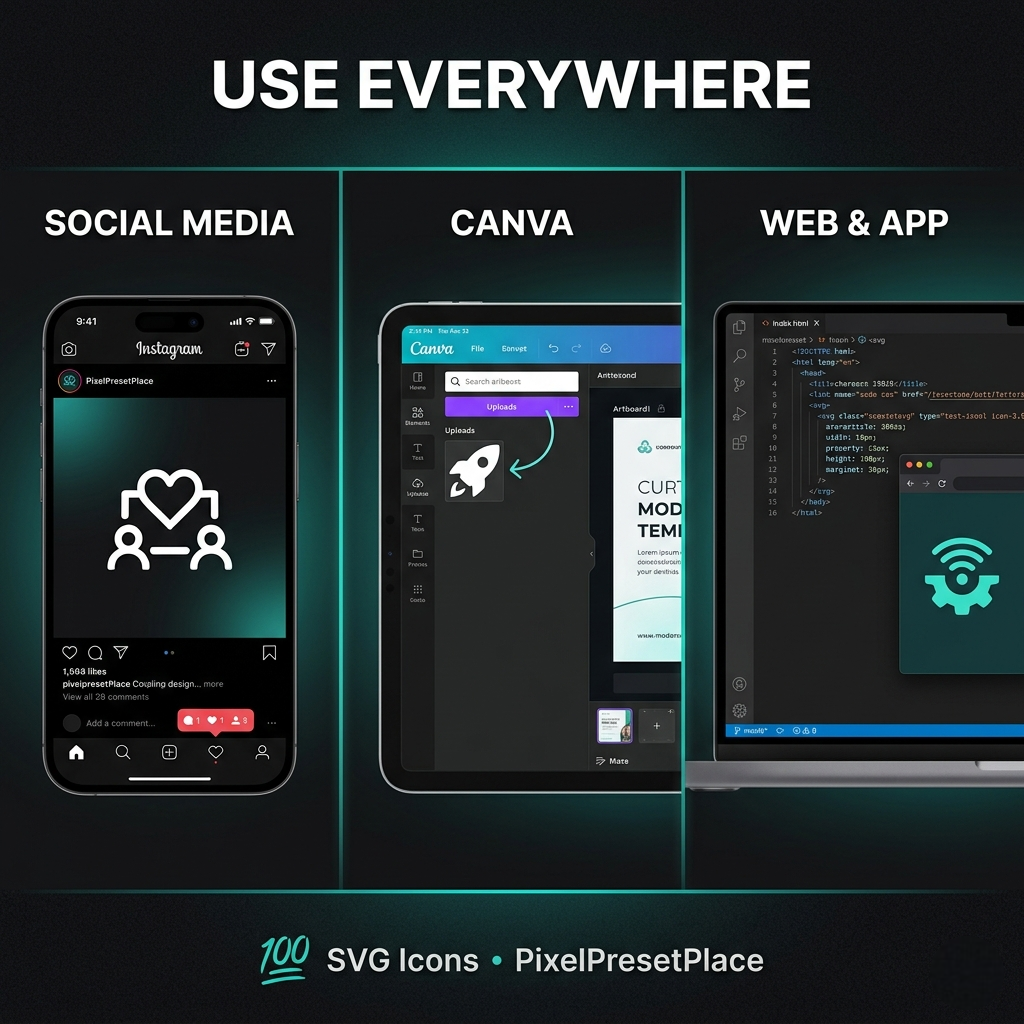
✓ Canva — upload as SVG element
✓ Figma — drag & drop directly
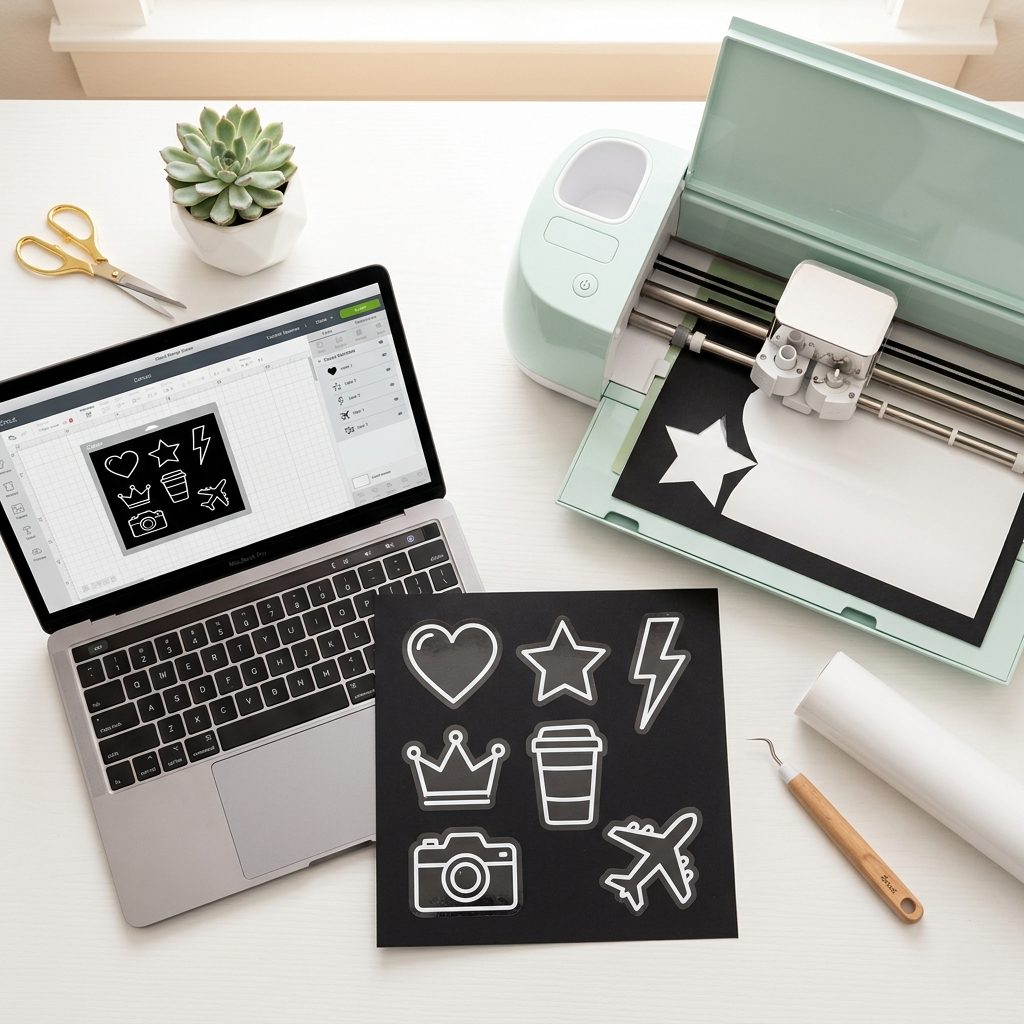
✓ Cricut Design Space
✓ Silhouette Studio
✓ Affinity Designer
✓ Inkscape (free)
✓ Microsoft Word & PowerPoint
✓ Any web browser (HTML/CSS)
———————————————————————————
📦 WHAT YOU GET
———————————————————————————
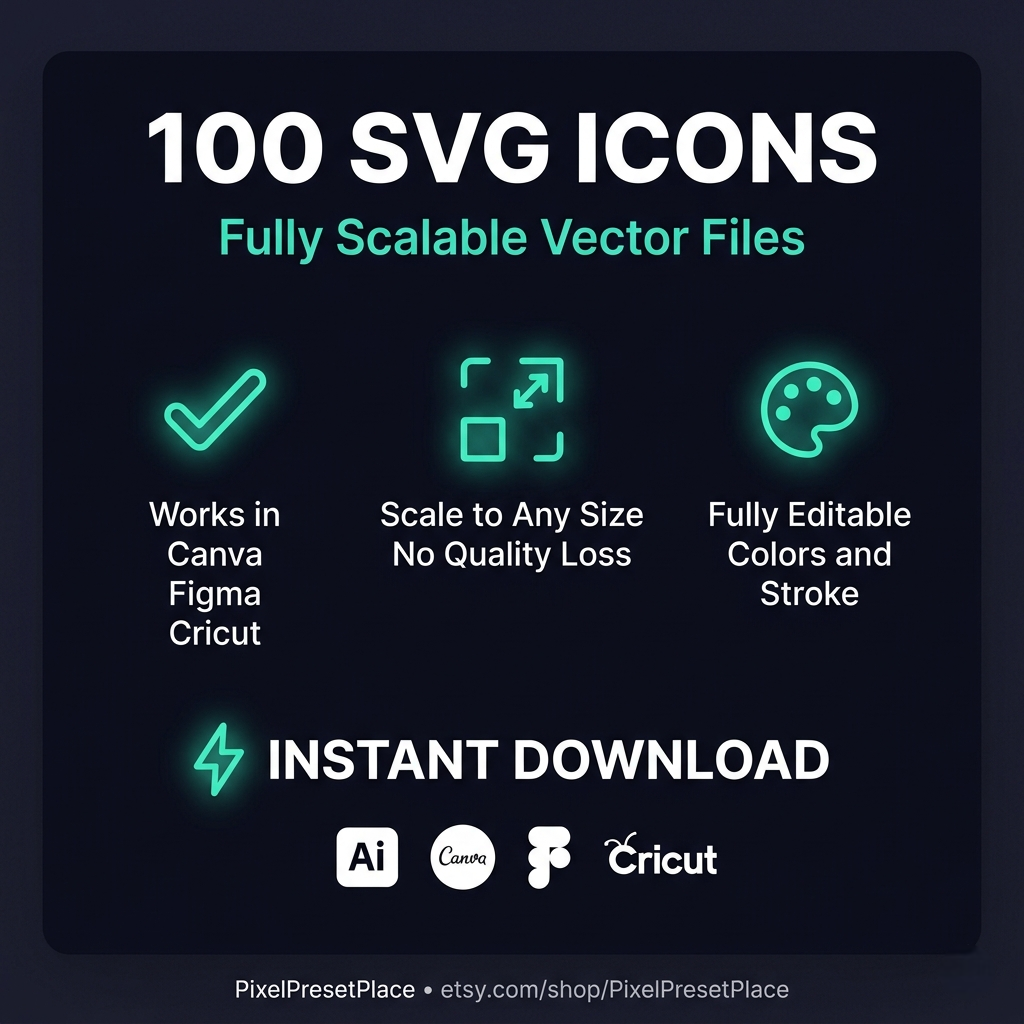
• 100 x clean .svg icon files
• 1 x README.txt with full usage guide
• Fully scalable — no quality loss at any size
• Easy to recolor — change stroke and fill freely
• Organized in 10 clear categories
———————————————————————————
⚙️ HOW TO USE
———————————————————————————
Illustrator → File > Open > select .svg file
Photoshop → File > Open As Smart Object
Canva → Upload > Upload Files > .svg
Figma → Drag & drop into canvas
Cricut → New Project > Upload > SVG
Web → Use as <img src="icon.svg"> or inline SVG
Full guide included in README.txt
———————————————————————————
✏️ CUSTOMIZATION
———————————————————————————
→ Change any color in Illustrator or Figma
→ Adjust stroke thickness as needed
→ Scale to any size: 16px icon or 4K poster
→ Combine icons to create custom compositions
———————————————————————————
💡 PERFECT FOR
———————————————————————————
→ Graphic designers and UI/UX designers
→ Social media content creators
→ Cricut and Silhouette crafters
→ Web developers and app designers
→ Canva template creators
→ Print on demand sellers (mugs, t-shirts, stickers)
———————————————————————————
🔖 ALSO CHECK OUT
———————————————————————————
Visit PixelPresetPlace for Photoshop Script Packs,
LUT Packs, After Effects Scripts and more!
———————————————————————————
📩 INSTANT DIGITAL DOWNLOAD
No physical product will be shipped.
Files available immediately after purchase.
Questions? Contact PixelPresetPlace — we reply within 24 hours! ✉️
Nessuna recensione trovata!
Nessun commento trovato per questo prodotto. Sii il primo a commentare!